Last updated: October 13, 2026
Published October 13, 2026 · Updated October 13, 2026
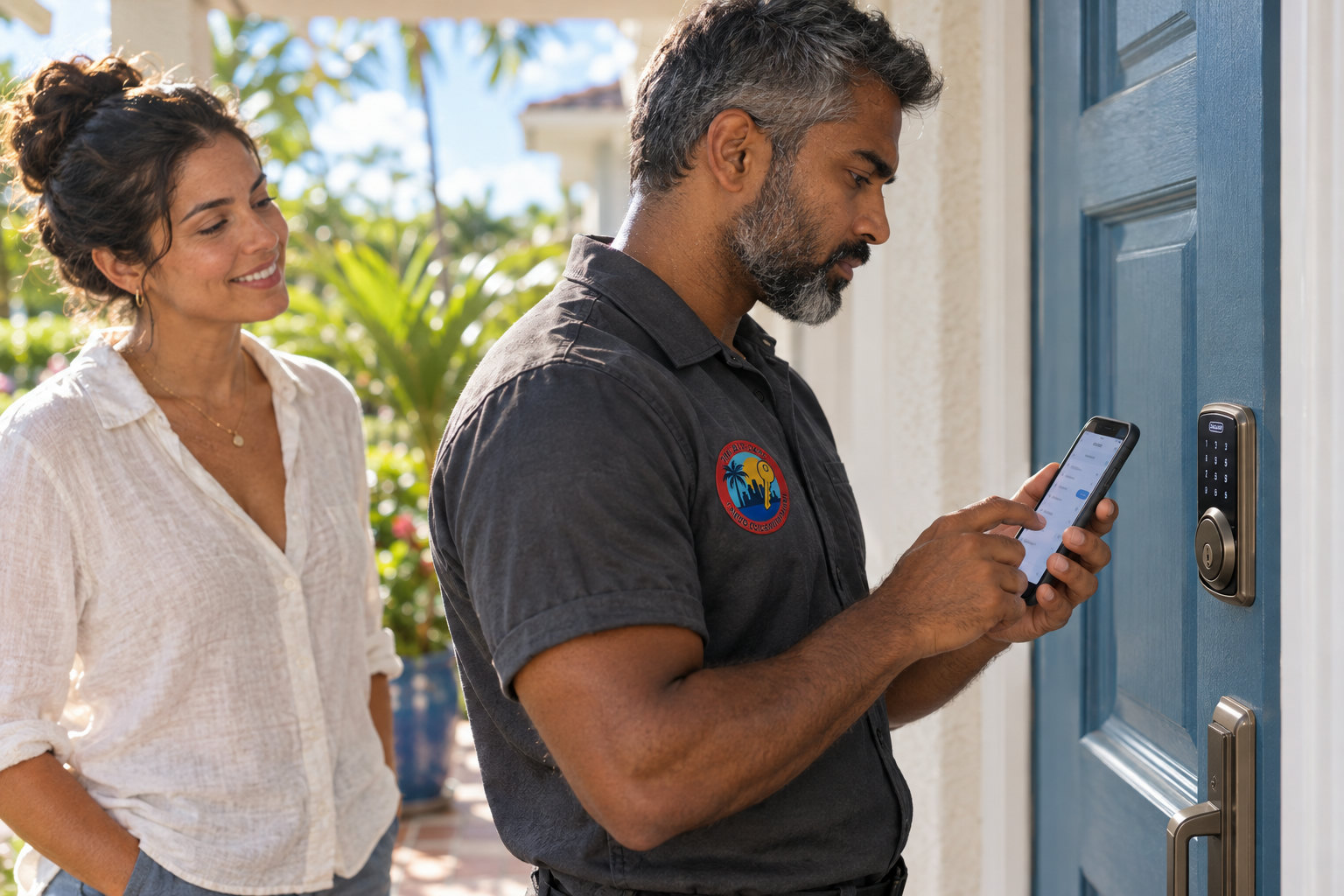
When a locksmith in Miami diagnoses a Schlage Encode Plus that won’t connect to Wi-Fi after a router change, the lock itself is rarely the problem. The Schlage Encode Plus only joins 2.4 GHz Wi-Fi, it still holds the old router’s network name and password, and it has to be moved to the new network through the Schlage Home app over Bluetooth while you stand at the door. Fix those three things in that order and most locks are back online without a single tool touching the door.
- The Schlage Encode Plus joins only 2.4 GHz Wi-Fi networks, so a new dual-band or mesh router that hides or merges its 2.4 GHz band is a leading reason the lock won’t reconnect.
- The Schlage Home app hands the new Wi-Fi credentials to the lock over Bluetooth, so the phone has to be at the door, not across the house.
- Giving a new router the exact same network name and password as the old one, with the same capitalization and security type, often lets the lock rejoin with no app steps at all.
- Routers set to WPA3-only security can lock out 2.4 GHz smart-home devices; WPA2/WPA3 mixed (transition) mode is the usual fix.
- The Encode Plus keypad, stored access codes and physical key keep working without Wi-Fi; only remote control, alerts and remote code changes stop.
- A factory reset erases every stored access code, so it belongs at the end of the diagnosis, not the beginning.
The Short Answer: Why Won’t a Miami Shores Schlage Encode Plus Connect to Wi-Fi After a Router Change?
A Schlage Encode Plus that won’t connect to Wi-Fi after a router change is almost always still looking for the old network. The lock stores one network name and one password, it only talks on the 2.4 GHz band, and it does not pop up a “new network found” prompt the way a laptop does.
The fix is to stand at the door with your phone, open the Schlage Home app, and use the lock’s Wi-Fi settings to point it at the new router’s 2.4 GHz network. If that fails, the cause is usually one of three router settings: a hidden or merged 2.4 GHz band, WPA3-only security, or a weak signal at the door. None of them requires replacing the lock.
If you’re a homeowner who just had a new gateway installed by your internet provider and your front-door lock went offline the same afternoon, this is for you. If the lock won’t lock or unlock at all, even from the keypad, skip down to When the Answer Is Different, because that’s a hardware question, not a Wi-Fi one.
The Full Answer: How Do You Diagnose a Schlage Encode Plus That Won’t Reconnect After a New Router?
The Schlage Encode Plus Wi-Fi diagnosis below runs cheapest and most likely causes first, with a factory reset last. Work through it in order. Skipping straight to a reset is the one move that can turn a ten-minute network fix into an afternoon of re-entering access codes for the dog walker, the cleaner and the in-laws.
Confirm the lock itself is healthy
Enter a working access code on the keypad. If the bolt throws and retracts smoothly, the lock hardware is fine and the problem is the network.
Put in four fresh AA batteries
The Wi-Fi radio is the hungriest part of the Encode Plus, so tired batteries can kill the connection while the keypad still works. Swap all four at once, from the same pack.
Find the new router’s 2.4 GHz network
Open the router’s app or admin page (eero, Google Home, Netgear Orbi, TP-Link Deco or your provider’s gateway) and confirm the 2.4 GHz band is switched on and what it’s called.
Check the security mode
Use WPA2-Personal or WPA2/WPA3 mixed mode. Avoid WPA3-only, enterprise logins and guest networks with a sign-in page.
Change networks in the Schlage Home app, at the door
With Bluetooth on, stand at the interior side of the door, open the lock’s settings in the Schlage Home app, choose the Wi-Fi option, pick the new network and type the password carefully.
Test the signal where the lock lives
If the lock connects and then drops overnight, the signal at the door is too weak. A mesh node or access point closer to the entry usually settles it.
Factory reset only as a last resort
A reset wipes every access code and removes the lock from your account. Write down your codes before you do it.
| What you see | Likely cause | Try this first |
|---|---|---|
| App says “offline,” keypad works fine | Lock still holds the old router’s name and password | Change Wi-Fi network in the Schlage Home app while at the door |
| New network doesn’t appear in the app’s list | 2.4 GHz band off, hidden, or merged with 5 GHz | Turn on or temporarily separate the 2.4 GHz band |
| Network appears, password “fails” every time | WPA3-only security, or a typo in a long password | Switch to WPA2/WPA3 mixed mode and retype slowly |
| Connects, then drops within hours | Weak signal at the door or tired batteries | Fresh AA batteries, then a mesh node nearer the entry |
| App can’t find the lock at all over Bluetooth | Phone too far away, Bluetooth or location permission off | Stand at the door, enable Bluetooth and location for the app |
| Keypad dead or bolt grinds even with fresh batteries | Hardware or door alignment, not Wi-Fi | Stop forcing the bolt and call a locksmith |
Why does the Encode Plus lose its connection when the router changes?
The Schlage Encode Plus loses its connection after a router change because it’s still trying to log into a network that no longer exists. Wi-Fi devices remember a network by its name (the SSID), its password and its security type. Change any one of the three and the lock fails quietly.
That gives you a shortcut worth trying first. If you set the new router’s 2.4 GHz network to the exact old name and password, matching capitalization and spacing, and use the same security type, many smart-home devices (the Encode Plus included) will simply rejoin on their own. It’s the reason a new router sometimes “just works” for some devices and not others: the ones that reconnected found a familiar name and key.
If you’d rather use a new name and password, that’s fine. You just have to tell the lock about it through the Schlage Home app.
Why won’t the lock see my new mesh or dual-band network?
The Schlage Encode Plus can’t see a new network when the router isn’t broadcasting a 2.4 GHz band it can join. Schlage builds the Encode line for 2.4 GHz Wi-Fi only, which reaches farther through walls than 5 GHz but is invisible to the lock if the router hides it.
Modern mesh systems like eero, Google Nest Wifi, Netgear Orbi and TP-Link Deco usually combine 2.4 GHz and 5 GHz under one network name and steer devices between them. Most of the time the lock joins without trouble. When it doesn’t, the cure is to give it a clean 2.4 GHz target for setup:
- eero: the app’s troubleshooting menu offers a temporary “pause 5 GHz” option so 2.4 GHz devices can join, then 5 GHz comes back.
- Router with separate bands: create or enable a dedicated 2.4 GHz network (many people name it something like “Home-IoT”) and keep the lock on it permanently.
- Provider gateway: log into the gateway’s admin page and confirm 2.4 GHz is enabled, set to 20 MHz channel width, on channel 1, 6 or 11.
A dedicated 2.4 GHz network is the steadier long-term setup. Smart locks, thermostats and cameras stop getting bounced between bands, and the next router swap gets easier too.
Which router security settings block the Schlage Encode Plus?
Three router security settings commonly block a Schlage Encode Plus: WPA3-only mode, enterprise (802.1X) logins, and guest networks that use a sign-in web page. Newer routers sometimes ship with WPA3 turned on by default, and plenty of 2.4 GHz smart-home hardware expects WPA2.
Switching to WPA2/WPA3 mixed mode (often called “transition mode”) lets newer phones keep WPA3 while the lock connects over WPA2. Hidden networks are another snag. If you hid the SSID on the new router, unhide it while you set up the lock.
Also check the password itself. Provider gateways often print long, mixed-case passwords on a sticker, and one swapped “l” for “1” looks exactly like a lock that refuses to connect.
The Schlage Encode Plus needs a visible 2.4 GHz network with WPA2 or WPA2/WPA3 mixed security and no sign-in page. Matching the old network name and password on the new router often reconnects the lock with no app steps. If the band or security mode is wrong, no amount of resetting the lock will help.
Is the signal at a Miami Shores front door strong enough?
Signal strength at the front door is the hidden variable in many homes, because the router and the lock are often far apart with masonry in between. Older South Florida houses are commonly built of concrete block finished in stucco, and dense walls weaken Wi-Fi more than drywall does.
The router usually sits wherever the cable or fiber line enters the house, which is often a back bedroom or home office. A new router can also have different antennas or a different default transmit power than the old one, so a lock that limped along before may drop out now. Impact-rated glass with metallic low-E coatings near the entry can add to the problem, since those coatings reflect radio signals.
The quick test: stand at the inside of the door with your phone switched to the 2.4 GHz network and see how many bars you get. If it’s one bar or flickering, put a mesh node or access point in a room near the entry before blaming the lock.
Do batteries, firmware or Bluetooth affect the Wi-Fi handoff?
Batteries, Bluetooth and the app all play a part in moving a Schlage Encode Plus to a new network. The Encode Plus runs on four AA batteries, and Wi-Fi is the most power-hungry thing it does, so a lock on weak batteries may keep the keypad alive while giving up on Wi-Fi.
Bluetooth is the bridge during setup. The Schlage Home app passes the new Wi-Fi credentials to the lock over a short-range Bluetooth link, so the phone needs Bluetooth on, location permission granted to the app, and to be at the door. Update the Schlage Home app before you start, and once the lock is back online, let it install any firmware update the app offers.
When is a factory reset the right move?
A factory reset on a Schlage Encode Plus is the right move only after the band, security mode, signal and batteries have all checked out and the app still can’t talk to the lock. The reset wipes every stored access code, clears the lock’s history and removes it from your Schlage Home account.
If you do reset, follow Schlage’s own instructions for your model, which use the default programming code that comes with the lock. Have that code and a list of your access codes ready first. Then add the lock back to the app as a new lock and connect it to the 2.4 GHz network during setup.
When the Answer Is Different: When do you actually need a locksmith in Miami?
A Schlage Encode Plus Wi-Fi problem becomes a locksmith job when the lock fails at the door, not just in the app. These are the situations where a locksmith in Miami Shores or anywhere in Miami-Dade is worth the call:
- The bolt grinds, stalls or only throws partway. A motorized deadbolt that fights a misaligned strike plate burns batteries fast, and dead batteries look like a Wi-Fi problem. Summer heat and humidity can shift a door enough to cause it, the same pattern covered in this diagnosis of deadbolt jamming in summer heat.
- The keypad stays dark with fresh batteries. That points to the battery contacts, the cable between the interior and exterior halves, or the electronics.
- Water got into the interior assembly after a storm, or the lock was installed on a door that takes wind-driven rain.
- The physical key won’t turn, which is a cylinder problem no app can touch.
A common mistake is forcing a stuck smart deadbolt, or the door, before anyone looks at it. Once a jamb splits or a strike area tears out, the job becomes door and frame repair as well as lock work, and the bill grows to match. Use the physical key gently, and if it won’t turn, stop.
Another common mistake is assuming any replacement smart lock will drop into the existing deadbolt holes. If the Encode Plus truly has failed and you’re tempted by a different model, check the bore and backset requirements first, because many smart locks need new drilling. This comparison of the Schlage Encode Plus, Yale Assure 2 and Kwikset Halo in Miami Beach humidity covers how they differ.
For the landlord or property manager with a single-family rental who resets codes between tenants, a lock that drops Wi-Fi is more than an annoyance, because remote code changes stop working. If you manage several doors, it may be worth reading about when a cloud access control system makes more sense than several Encode Plus locks. If you prefer plain mechanical hardware for a rental, see this breakdown of Schlage B-Series vs Master Lock Pro vs Yale Superior deadbolts for a Miami Shores rental.
Our view
In our opinion, homeowners give the Schlage Encode Plus too much blame and the router too little when the lock drops offline after a router change. The lock is doing exactly what it was built to do: holding onto one 2.4 GHz network until someone tells it otherwise. The factory reset is the most overused fix, and it costs you every access code you’ve set up.
What matters most is a stable, visible 2.4 GHz network with decent signal at the front door. If we were setting up a home from scratch, we’d give smart-home devices their own 2.4 GHz network with WPA2/WPA3 mixed security and a name that never changes, even when the router does. The next provider upgrade then becomes a non-event.
The other thing people underweight is the mechanical side. A smart deadbolt rides on an ordinary bolt, strike and door, and a door that has drifted out of line will drain batteries and fake a connectivity problem. Check how smoothly the bolt moves before you spend an evening in router menus.
FAQ: Schlage Encode Plus Wi-Fi and Router Questions
Does the Schlage Encode Plus work without Wi-Fi?
The Schlage Encode Plus works without Wi-Fi for everything you do at the door: the keypad, stored access codes, the physical key and Bluetooth control from a phone standing nearby. Wi-Fi adds remote locking, activity alerts and changing codes while you’re away. A router outage or swap takes away the remote features, not the ability to get inside.
Can the Schlage Encode Plus connect to a 5 GHz network?
The Schlage Encode Plus connects only to 2.4 GHz Wi-Fi, not 5 GHz. A router that combines both bands under one name usually works, but if the lock won’t join, temporarily pause 5 GHz (eero offers this in its troubleshooting menu) or create a dedicated 2.4 GHz network for smart-home devices.
Will changing Wi-Fi networks erase my Encode Plus access codes?
Changing Wi-Fi networks in the Schlage Home app does not erase your Encode Plus access codes, because the codes are stored on the lock itself. A factory reset is different: it wipes every code and removes the lock from your account. That’s why the network change in the app comes first and the reset comes last.
Can a locksmith in Miami fix an Encode Plus problem at my home?
A locksmith in Miami from I Need Locksmith Miami can come to your home, since the company runs 24/7 mobile service across Miami-Dade County. The visit covers the lock and door side: bolt alignment, strike adjustment, battery and hardware checks, reinstallation, or replacement with Schlage, Yale or Kwikset hardware. For pricing, call (786) 813-0495 and describe what the lock is doing.
Have a Similar Question About Your Smart Lock?
If your Schlage Encode Plus is back on Wi-Fi but the bolt still drags, or the keypad stays dark with fresh batteries, the next step is a look at the lock and door themselves. Call I Need Locksmith Miami at (786) 813-0495 or request service online, describe what the lock does when you enter a code, and ask about pricing for a visit to Miami or anywhere else in Miami-Dade.
Sources
- Schlage Encode Plus features, built-in Wi-Fi, Apple Home support and the Schlage Home app: Schlage, Encode Plus Smart WiFi Deadbolt
- Wi-Fi security standards (WPA2 and WPA3) and Wi-Fi bands: Wi-Fi Alliance
- Thread networking protocol used by smart-home devices and border routers: Thread Group
- Apple Home app and home hubs (HomePod, Apple TV): Apple, Home app
I Need Locksmith Miami
I Need Locksmith Miami is a Miami-Dade locksmith and door specialist serving residential, commercial, and automotive customers.
 Listen to this articleAudio version
- Schlage Encode Plus vs Yale Assure Lock 2 vs Kwikset Halo: Which Keypad Deadbolt Holds Up in Miami Beach Humidity
- How We Cut and Programmed a New Transponder Key for a 2019 Ford F-150 in Little Haiti — After the Original Was Snapped in the Door Lock
- Schlage B-Series vs Master Lock Pro Series vs Yale Superior: Which Deadbolt Holds Up for a Miami Shores Rental Property
- Kwikset Obsidian vs Schlage Encode vs Yale Nest x Yale: Which Touchscreen Lock Fits a Coconut Grove Vacation Rental
- The Brickell Office Master Key Mistake That Starts With Ordering a Mortise Cylinder Before Checking Its Keyway